Entrar
Is OpenAI’s New Lockdown Mode an Admission That Default ChatGPT Was Never Safe Enough?

OpenAI introduced two new protections designed to help users and organizations mitigate prompt injection attacks when it launched Lockdown Mode in February. Last week, the LLM giant announced rollout of Lockdown Mode to all personal ChatGPT accounts, including Free, Go, Plus, and Pro, and also self-serve ChatGPT Business accounts. Users can enable it from ChatGPT Settings under Security.
The rollout is notable not just for what Lockdown Mode does, but for what its existence concedes.
Does the existence of Lockdown Mode imply that ChatGPT, in its default settings, does not provide robust protection against sufficiently determined data exfiltration attacks. OpenAI does not seem to dispute this. Lockdown Mode is designed to help prevent the final stage of data exfiltration from a prompt injection attack by limiting outbound network requests that could transfer sensitive data to an attacker. Lockdown Mode does not prevent prompt injections from appearing in the content ChatGPT processes.
That distinction matters enormously. Lockdown Mode is not an anti-injection control. It is a last-line-of-defense control. OpenAI is not stopping malicious instructions from reaching the model — it is blocking the network paths those instructions might use to smuggle data out. The attack still happens; the payload just has nowhere to go.
Also read: OpenAI’s New Enterprise Security Mode Locks Down ChatGPT Against Prompt Injection
What Prompt Injection Actually Is
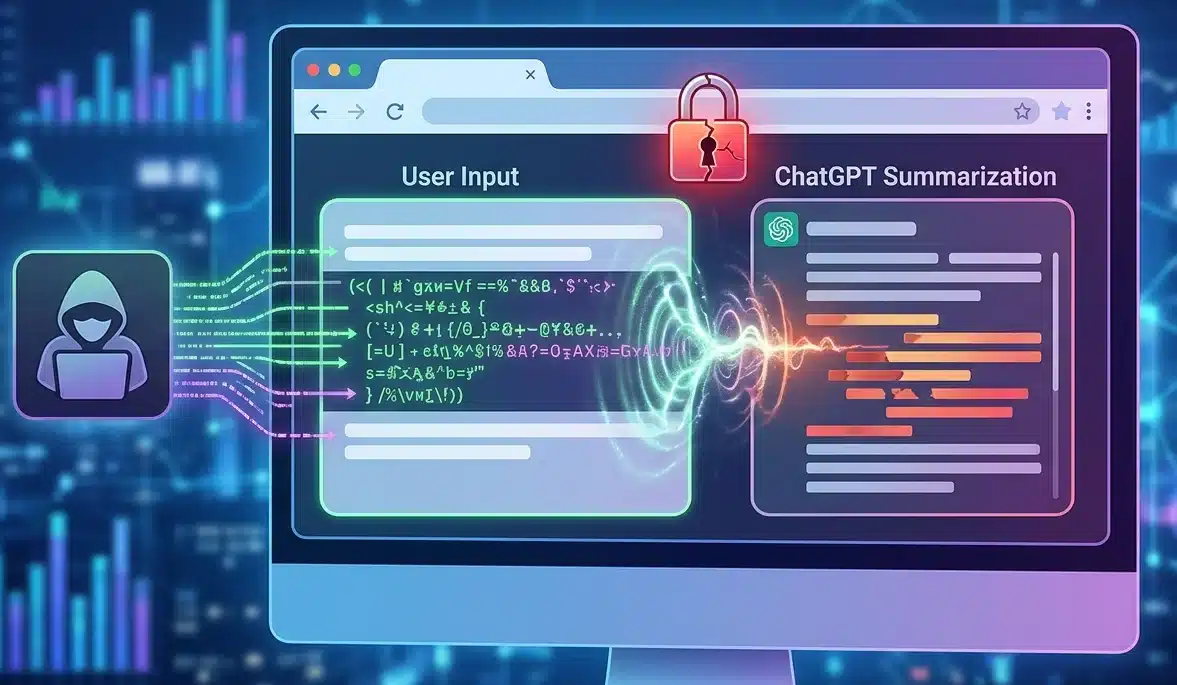
Prompt injection is the attack class Lockdown Mode is designed to constrain. In these attacks, a third party attempts to mislead a conversational AI system into following malicious instructions or revealing sensitive information.
In a connected AI system — one that browses the web, processes documents, or interacts with external tools — the attack surface is every piece of external content the model touches. A malicious instruction embedded in a webpage, a PDF, a calendar invite, or a shared document can hijack the model's behavior without the user ever knowing it happened. The model reads the injected instruction, treats it as a legitimate command, and acts accordingly — potentially exfiltrating whatever is in the conversation window to an attacker-controlled endpoint via a web request.
As AI systems become more capable and connected, this threat class has moved from academic demonstration to production risk. Agent Mode, Deep Research, live web browsing, and file connectors all dramatically expand the surface area available for injection attacks — and all of them represent outbound network paths a compromised model could abuse.
What Lockdown Mode Disables and Why
When enabled, the Lockdown Mode limits or turns off certain features that connect ChatGPT to the web or external services, including live web access, image support in responses, Deep Research including shopping research, Agent Mode, Canvas networking, live connectors and file downloads.
Each disabled feature maps directly to an exploitation pathway. Live web access allows the model to retrieve attacker-controlled content. Agent Mode allows autonomous multi-step actions, meaning an injected instruction has more time and capability to execute before a human notices. File downloads create an outbound data transfer channel. Image support in responses can encode and transmit data through image URLs. Disabling all of them simultaneously removes the most exploitable exfiltration paths without modifying the model itself.
The tradeoff is real. Lockdown Mode disables several important features, including Deep Research and live web access. If you rely on up-to-date information, advanced workflows, or multi-step research tools, enabling it may limit your productivity in certain parameters. OpenAI is explicit that this is a deliberate trade — capability for security surface reduction — and that it is designed for people and organizations that handle sensitive data and want stricter protection from data exfiltration risks related to prompt injection.
Lockdown Mode is for Whom?
Lockdown Mode is aimed at people facing elevated digital risk, including journalists, activists, and users working in sensitive environments. To that population, add legal, financial, and healthcare professionals who paste client or patient documents into ChatGPT; executives whose conversations contain strategic or deal-sensitive information; security analysts who process threat intelligence in AI workflows; and any organization operating under data residency or confidentiality obligations that prohibit third-party data transmission.
For folks who have an elevated risk profile due to who they are, what they work on, or the types of data they work with, it's an excellent tool for further securing themselves. This has some tradeoffs on functionality and utility, but for these users, the tradeoff is worthwhile.
For everyone else, as AI systems take on more complex tasks — especially those that involve the web and connected apps — the security stakes change. Lockdown Mode going to all personal accounts is the right moment for every user who regularly pastes sensitive material into ChatGPT to make an explicit, informed decision about whether the productivity features they are trading away are worth more than the exfiltration risk they are trading for.
Lockdown Mode is available now across all ChatGPT account types. It can be enabled from Settings → Safety and security → Advanced security → Lockdown Mode toggle, with a per-session override in the header for moments when a connected feature is needed for a lower-risk task.