AI adoption is moving fast, shifting from pilot projects to the infrastructure-level, day-to-day practice. The budget curve reflects that shift. Gartner expects worldwide AI spending to reach $2.52T in 2026, a 44% year-over-year increase. At the same time, AI cybersecurity spending is expected to grow by more than 90% in 2026, a clear signal that the deeper AI is embedded into business operations, the larger the attack surface becomes.
As organizations operationalize LLMs, the real challenge shifts from response quality to safe execution. It is no longer enough for a model to explain what to do. In many environments, value comes from taking action, pulling the right context, and interacting with the systems where work happens. That includes code repositories, ticketing platforms, SaaS tools, databases, and internal services.
Before Model Context Protocol, every tool integration was like building a different custom cable for every device, and then discovering that each LLM vendor used a slightly different plug. MCP standardizes the connector and the message format; therefore, tools can expose capabilities once, and multiple models can use them consistently. The result is faster development, fewer bespoke integrations, and lower long-term maintenance as adoption spreads across the ecosystem.
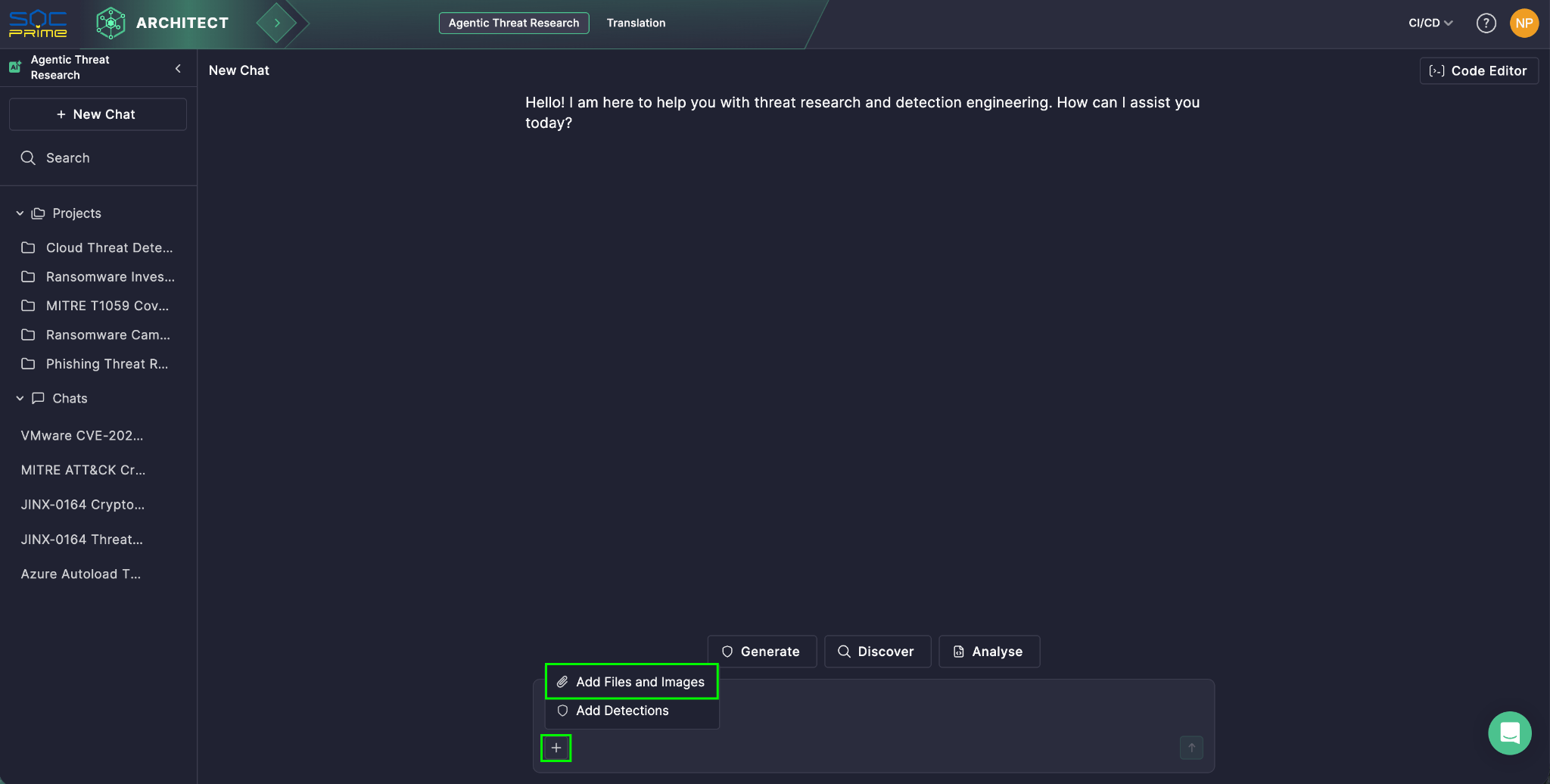
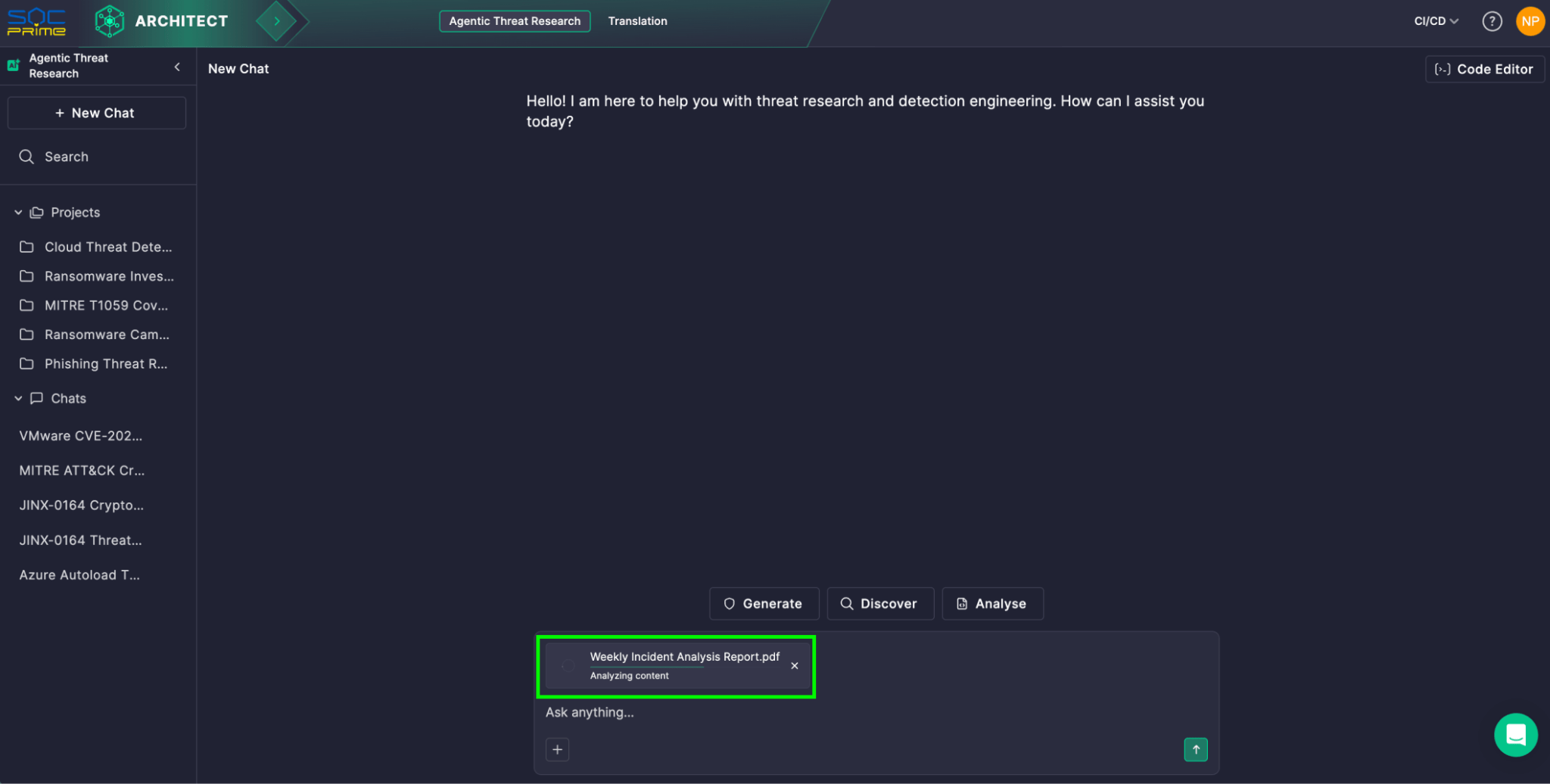
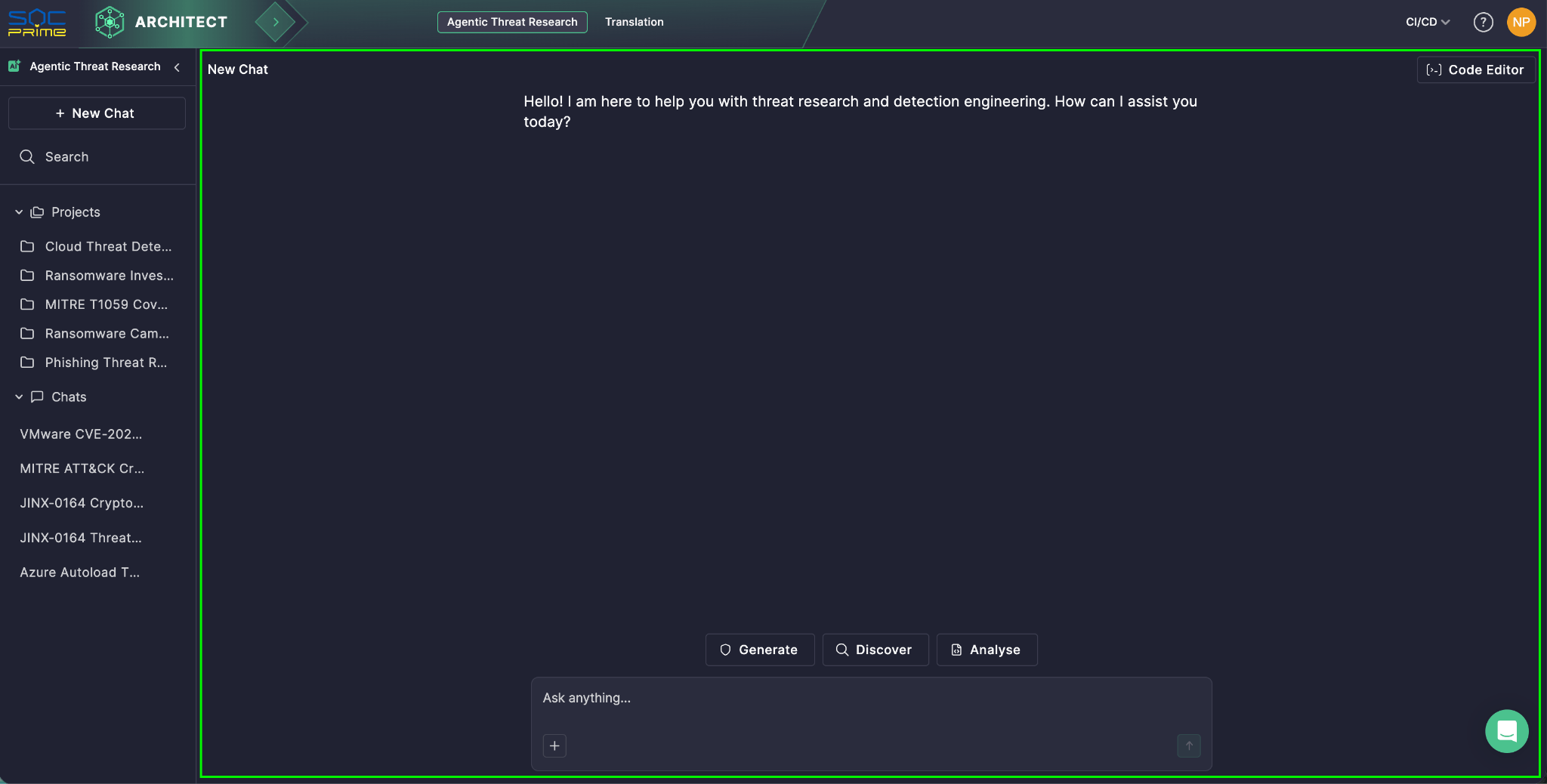
This shift is already visible in cybersecurity-focused AI assistants. For example, SOC Prime’s Uncoder AI is powered by MCP tools that turn an LLM into a contextually aware cybersecurity co-pilot, supporting easier integration, vendor flexibility, pre-built connections, and more controlled data handling. For instance, MCP allows semantic searches across the Threat Detection Marketplace, quickly finding rules for specific log sources or threat types, and cutting down on manual search time. All this is backed by privacy and security at its core.
Yet, in general, when MCP becomes a common pathway between agents and critical systems, every server, connector, and permission scope becomes security relevant. Overbroad tokens, weak isolation, and incomplete audit trails can turn convenience into data exposure, unintended actions, or lateral movement.
This guide explains how MCP works, then focuses on practical security risks and mitigations.
What Is MCP?
Since it was released and open-sourced by Anthropic in November 2024, Model Context Protocol has rapidly gained traction as the connective layer between AI agents and the tools, APIs, and data they rely on.
At its core, MCP is a standardized way for LLM-powered applications to communicate with external systems in a consistent and controlled manner. It moves AI assistants beyond static, training-time knowledge by enabling them to retrieve fresh context and perform actions through approved interfaces. The practical outcome is an AI agent that can be more accurate and useful, because it can work with real operational data.
Key Components
Model Context Protocol architecture is built around a simple set of blocks that coordinate how an LLM discovers external capabilities, pulls the right context, and exchanges structured requests and responses with connected systems.
- MCP Host. The environment where the LLM runs. Examples include an AI-powered IDE or a conversational interface embedded into a product. The host manages the user session and decides when external context or actions are needed.
- MCP Client. A component inside the host that handles protocol communication. It discovers MCP servers, requests metadata about available capabilities, and translates the model’s intent into structured requests. It also returns responses back to the host in a form that the application can use.
- MCP Server. The external service that provides context and capabilities. It can access internal data sources, SaaS platforms, specialized security tooling, or proprietary workflows. This is where organizations typically enforce system-specific authorization, data filtering, and operational guardrails.
Layers
- Data layer. This inner layer is based on the JSON-RPC protocol and handles client-server communication. It covers lifecycle management and the core primitives that MCP exposes, including tools, resources, prompts, and notifications.
- Transport layer. This outer layer defines how messages actually move between clients and servers. It specifies the communication mechanisms and channels, including transport-specific connection setup, message framing, and authorization.
Conceptually, the data layer provides the contract and semantics, while the transport layer provides the connectivity and enforcement path for secure exchange.
How Does the MCP Work?
MCP sits between the LLM and the external systems your agent plans to use. Instead of giving the model direct access to databases, SaaS apps, or internal services, MCP exposes approved capabilities as tools and provides a standard way to call them. The LLM focuses on understanding the request and deciding what to do next. MCP handles tool discovery, execution, and returning results in a predictable format.
A typical flow can look like the one below:
- User asks a question or gives a task. The prompt arrives in the AI application, also called the MCP host.
- Tool discovery. The MCP client checks one or more MCP servers to see what tools are available for this session.
- Context injection. MCP adds relevant tool details to the prompt, so the LLM knows what it can use and how to call it.
- Tool call generation. The LLM creates a structured tool request, basically a function call with parameters.
- Execution in the downstream service. The MCP server receives the request and runs it against the target system, often through an API such as REST.
- Results returned and used. The output comes back to the AI application. The LLM can use it to make another call or to write the final answer.
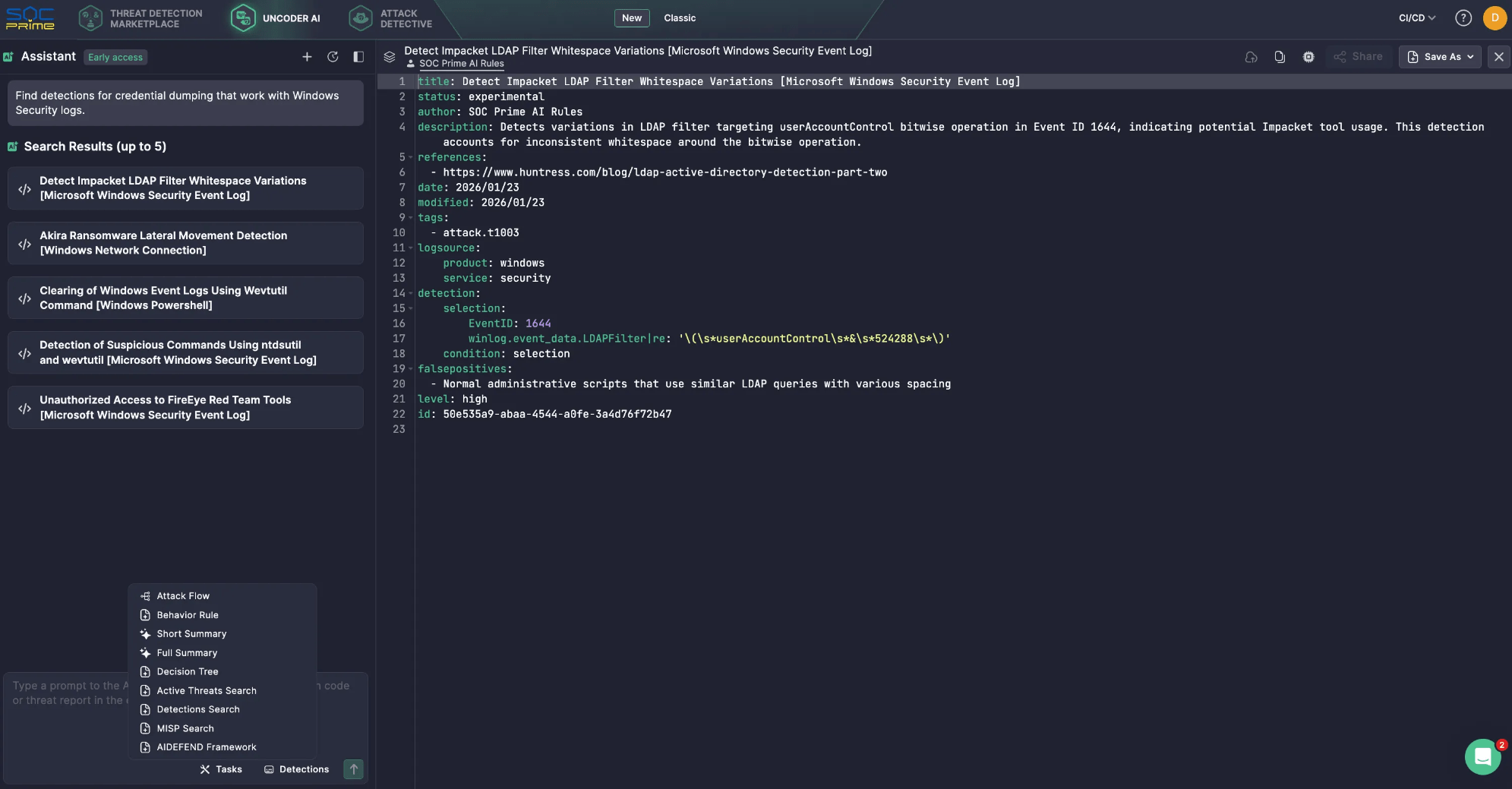
Here is a simple example of how that works in Uncoder AI. You ask: “Find detections for credential dumping that work with Windows Security logs.”
- The LLM realizes it needs access to a detection library, not just its own knowledge.
- Through MCP, Uncoder AI calls the relevant Detection Search tool connected to SOC Prime’s Threat Detection Marketplace.
- The MCP server runs the search and returns a short list of matching detections.
- Uncoder AI then reviews the results and replies with a clean shortlist of five detection rules.
MCP Risks & Vulnerabilities
Model Context Protocol expands what an LLM can do by connecting it to tools, APIs, and operational data. That capability is the value, but it is also the risk. Once an assistant can retrieve internal context and trigger actions through connected services, MCP becomes part of your control plane. The security posture is no longer defined by the model alone, but by the servers you trust, the permissions you grant, and the guardrails you enforce around tool use.
Key MCP Security Considerations
MCP servers serve as the glue between hosts and a broad range of external systems, including potentially untrusted or risky ones. Understanding your exposure requires visibility into what sits on each side of the server boundary, which LLM hosts and clients are calling it, how the server is configured, what third-party servers are enabled, and which tools the model can actually invoke in practice.
- Confused Deputy Problem. If an MCP server can act with broader privileges than the user, it may execute actions that the user should not be allowed to trigger. The secure pattern is that the server acts on behalf of the user with explicit consent and least-privilege scopes, not with a blanket service identity.
- Token Passthrough. Passing client tokens through to downstream APIs without proper validation breaks trust boundaries and can defeat audience controls. MCP guidance treats this as a high-risk anti-pattern because it makes authorization ambiguous and hard to audit.
- Session Hijacking and Event Injection. Stateful connections can be abused if session identifiers can be stolen, replayed, or resumed by an attacker. Secure session handling matters because tool calls become a sequence, not a single request, and attackers target the weakest link in that chain.
- Local MCP Server Compromise. Local servers can be powerful, and that power cuts both ways. Risks include running untrusted code, unsafe startup behavior, and exposing a local service in a way that another site or process can reach it. Local deployments need sandboxing, strict binding, and safe defaults.
- Scope Minimization Failures. Overly broad scopes increase blast radius and weaken governance. The specifications highlight scope design pitfalls, such as overloading a single scope for many operations or advertising excessive scope support. Least-privilege scopes and clear separation of read and write capabilities are essential.
Many MCP risks map to familiar security fundamentals; therefore, MCP servers should be treated like any other integration surface. Organizations need to apply supply-chain controls, scan code and dependencies, pin versions, and review changes before release. Also, it’s important to harden endpoints with strong authentication and authorization, rate limits, and secure defaults. These practices eliminate a large share of preventable failures.
The MCP specification provides a list of security best practices, with common attack patterns and practical mitigations you can apply when building or operating MCP hosts, clients, and servers.
Top MCP Security Risks
To make the list actionable, it helps to group MCP threats into the most common risk patterns defenders see in real deployments.
Prompt Injection
Attackers craft inputs that push the assistant into unsafe tool use or sensitive data disclosure.
Mitigation tip: Restrict tool access, enforce call policies, and monitor tool usage for abnormal patterns.
Indirect Prompt Injection
Hostile instructions can arrive through retrieved content and be treated as trusted intent.
Mitigation tip: Segregate untrusted content, sanitize it, and prevent tools from being invoked based on instructions found in external data.
Tool Poisoning
Tool descriptions, parameters, or defaults can be manipulated to steer model decisions.
Mitigation tip: Treat tool metadata as untrusted input, review tool definitions like code, and require integrity checks before updates.
Tool Shadowing and Tool Name Collision
Lookalike tools can impersonate legitimate ones and capture requests.
Mitigation tip: Maintain an allowlist of approved servers and tools, and fail closed when a tool identity cannot be verified.
Confused Deputy Authorization Failures
A server executes actions using its own broad privileges rather than user-bound permissions.
Mitigation tip: Use explicit consent, enforce user-bound scopes, and validate tokens as required by the MCP authorization guidance.
Token Passthrough and Weak Token Validation
Forwarding tokens or accepting tokens without proper audience validation undermines authorization.
Mitigation tip: Forbid passthrough, validate token audience, and follow the OAuth-based flow defined for HTTP transports.
Session Hijacking
Attackers abuse resumable sessions or stolen identifiers to inject events or impersonate a client.
Mitigation tip: Bind sessions tightly, rotate identifiers, apply timeouts, and log resumptions and anomalies.
Local Server Compromise
Local MCP servers can be leveraged to access files, run commands, or pivot to other resources if not isolated.
Mitigation tip: Sandbox local servers, minimize OS privileges, restrict file system access, and avoid exposing local services beyond what is required.
Excessive Scopes and Permission Creep
Broad scopes create unintended access, and permissions tend to accumulate over time.
Mitigation tip: Split read and write tools, review scopes regularly, and keep scope sets minimal and task-specific.
Lack of Auditability and Weak Incident Response
If you cannot correlate prompts, tool calls, tokens, and downstream actions, investigations become guesswork.
Mitigation tip: Centralize logs, attach correlation IDs, and record tool call intent, parameters, and outcomes in a SIEM-friendly format.
The practical takeaway is that MCP should be secured like a high-impact integration layer. Assume tool outputs are untrusted, minimize permissions, enforce strong identity and authorization, and invest early in monitoring that can tie prompts to tool calls and downstream actions.
SOC Prime follows established security and privacy best practices to protect customers and ensure the trustworthy operation of the SOC Prime Platform and AI-enabled capabilities. The SOC Prime team also created and open-sourced AI/DR Bastion, a comprehensive GenAI protection system designed to safeguard against malicious prompts, injection attacks, and harmful content. The system incorporates multiple detection engines that operate sequentially to analyze and classify user inputs before they reach GenAI applications.
Furthermore, the SOC Prime Platform supports integration with AIDEFEND (Artificial Intelligence Defense Framework), an open, AI-focused knowledge base of defensive countermeasures for emerging AI/ML threats. Backed by Uncoder AI, the AIDEFEND-native MCP makes this knowledge immediately actionable. Security professionals can ask for defenses against specific threats, pull detailed technique guidance, generate quick checklists, or extract secure code snippets to implement controls faster and with less research overhead.
What Is the Future of MCP Security?
Security concerns around MCP are valid, but standardization is also a major opportunity to improve control. As MCP adoption grows, organizations get a more consistent security surface where they can apply the same policies and monitoring across tool usage, instead of securing a different custom integration for every model and every downstream system.
Looking ahead, MCP security will mature in a few predictable directions:
- Secure the MCP Building Blocks. MCP security will increasingly focus on the protocol primitives that define what an agent can do. Tools are executable functions and need tight permissions and clear rules for when they can run. Resources act as data containers and need access control and validation to reduce leakage and poisoning. Prompts influence behavior and must be protected with solutions, like AI/DR Bastion, against injection and unauthorized modification.
- Make Identity Mandatory for Remote MCP. For any networked MCP server, authentication should be treated as a baseline requirement. Teams need a clear identity model that answers who is making the call, what they are allowed to do, and what consent was granted. This also helps prevent common failures highlighted in the spec, such as confused deputy behavior and risky token handling patterns.
- Enforce Policy Using Full Context. Allowlists are useful, but agent workflows need richer guardrails. The prompt, the user, the selected tool, tool parameters, and the target system should all influence what is allowed. With that context, you can restrict risky operations, limit sensitive data retrieval, block unsafe parameter patterns, and require extra checks when the risk level is high.
- Treat Monitoring as a Core Control. As agents chain actions, investigation depends on being able to trace behavior end-to-end. A practical baseline is logging that correlates prompts, tool selection, tool inputs, tool outputs, and downstream requests. Without that linkage, it is difficult to audit actions or respond quickly when something goes wrong.
- Add Approval Gates for High-Impact Actions. For actions that create, modify, delete, pay, or escalate privileges, human review remains essential. Mature MCP deployments will add explicit approval steps that pause execution until a user or a security workflow confirms the action. This reduces the attack surface from both malicious prompting and accidental tool misuse.
- Verify Servers and Control Updates. As the ecosystem expands, trust and provenance become mandatory. Organizations will increasingly rely on approved MCP servers, controlled onboarding, and strict change management for updates. Version pinning, integrity checks, and dependency scanning matter because MCP servers are executable code, and tool behavior can change over time, even if interfaces look stable.
- Keep the Fundamentals Front and Center. Even with MCP-specific controls, the most common security practices remain the basics. Least privilege, clear scopes, safe session handling, strong authentication, hardened endpoints, and complete audit logging remove a large share of real-world risk. Use the MCP security best practices list as a standing checklist, then add controls based on your environment and risk appetite.
As MCP spreads across more assistants and tools, security becomes the difference between a helpful co-pilot and an unchecked automation engine. The safest path is simple: treat MCP like privileged infrastructure, keep permissions tight, and make every tool call visible and traceable. Do that well, and MCP can scale agent workflows with confidence instead of turning speed into risk.
FAQ
MCP server is a building block in the MCP architecture alongside the MCP host and MCP client. MCP servers grant approved capabilities to an AI assistant by exposing tools and resources the LLM can use. MCP servers provide context, data, or actions to the LLM and broker access to downstream systems such as SaaS apps, databases, internal services, or security tooling. In other words, an MCP server is the controlled gateway where organizations can apply authorization, data filtering, and operational guardrails before anything touches production systems.
MCP servers sit behind the MCP client inside an AI application. When a user submits a request, the MCP client discovers what tools are available from one or more MCP servers and passes relevant tool context to the LLM. The LLM then decides what to do and generates a structured tool call with parameters. The MCP client sends that tool call to the MCP server, which executes it against the downstream system and returns the result in a predictable format. The client feeds the result back to the LLM, which either makes another tool call or produces the final response to the user.
What is MCP security flow?
MCP security flow is the set of controls, best practices, and architectural steps required to safely implement the Model Context Protocol. It starts with strong identity, consent, and least-privilege scopes so the MCP server acts on behalf of the user rather than using broad service permissions. It includes safe token handling and session protections to reduce the risk of token passthrough, session hijacking, or event injection. Finally, it depends on enforcement and visibility, including tool allowlists, input and output validation, isolation for local servers, and centralized logging that ties prompts to tool calls and downstream actions for investigation and incident response.
The post Model Context Protocol: Security Risks & Mitigations appeared first on SOC Prime.

 Entrar