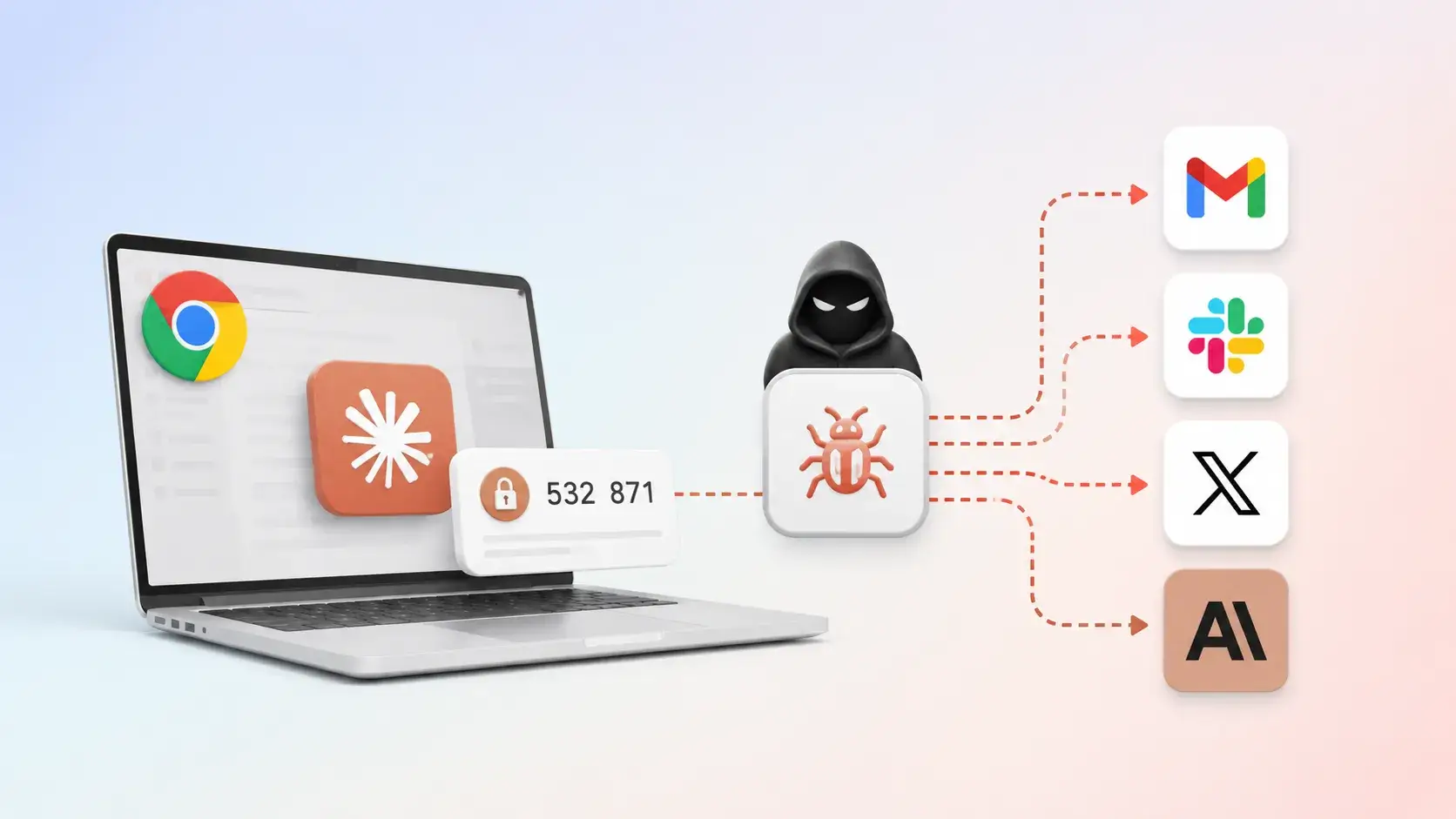
First reported in May, ClaudeBleed is basically a “fake remote control” problem. A sneaky browser extension can pretend to be Claude’s own website and secretly drive the Claude for Chrome extension to read your data and take action in your accounts.
The Claude for Chrome browser extension is an assistant that has the user’s permission to access services like Gmail or Google Drive when you ask it to. ClaudeBleed happens because the extension can’t reliably tell the difference between the user asking for help and a malicious script asking on their behalf.
So instead of you clicking a button to say “Claude, read this email,” a rogue extension can whisper the same request behind your back, and Claude obliges. Or it can have Claude draft or send an email in your name.
Once a malicious extension can send commands to Claude as if it were you, it can:
- Ask Claude to read your Gmail, fetch Google Drive files, or clone private GitHub repositories, depending on what tools Claude for Chrome exposes.
- Have Claude send emails or manipulate documents under your logged‑in session, with no obvious indication that the request didn’t come from you.
- Leave you seeing only a normal‑looking Claude interaction or brief permission prompt, while the real driver is the rogue extension running in the background.
Anthropic acknowledged the researchers’ reports the next day, then closed both of them as resolved. But according to the researchers, while Anthropic’s fix addressed some symptoms, it left the fundamental privilege handoff and agency controls brittle. For example, an allowlist patch changed what could be asked, but not who could ask it.
After examining the latest version of Claude for Chrome, Manifold Security wrote:
“Eight Claude for Chrome releases later, the bypass is still six lines of JavaScript. We reported it to Anthropic in May. The code is unchanged in the latest version.”
How to stay safe
Users should remember that Claude for Chrome is still officially in beta before trusting it to perform tasks automatically. Some pointers:
- Turn off Act without asking in Claude for Chrome. This removes the assistant’s ability to perform actions without your approval, making it much harder for a rogue extension to abuse its permissions.
- Review your Chrome extensions and remove anything you don’t fully trust. Any extension that can run scripts on claude.ai may be able to trigger Claude’s tasks, so keep your extension list as small as possible. If you don’t recognize or use an extension, remove it.
- Be cautious about giving AI browser assistants access to sensitive accounts like Gmail, Google Docs, and Google Calendar. Limiting which services the assistant can access reduces your exposure if something goes wrong.
- Until Anthropic ships a more comprehensive fix, consider disabling Claude for Chrome on systems where you handle sensitive mail, documents, or business accounts.
Stop threats before they can do any harm.
Malwarebytes Browser Guard blocks phishing pages and malicious sites automatically. Free, one click to install. Add it to your browser →

 Entrar